Racing & Driving
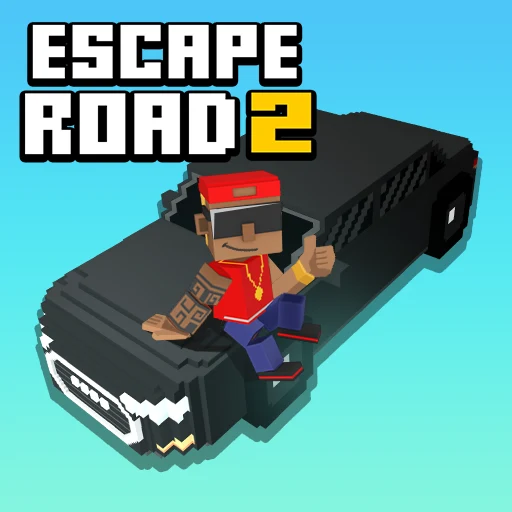
Escape Road 2
Browser
READY WHEN YOU ARE
This game loads from an external provider when you press play.
Game loading, controls and saved progress depend on the provider. If the frame stays blank, try restarting, open the game page above or report the issue.
Ratings are temporarily unavailable. You can still play.
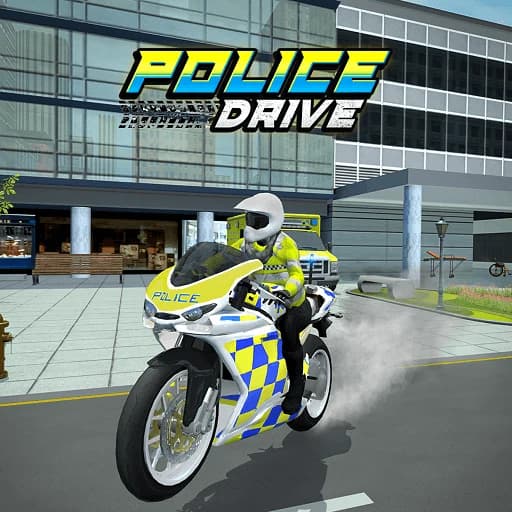
Browser version · check in-game controlsPolice Drive places you behind the wheel for city missions and pursuit objectives. Follow the route indicator, reach the target and manage your vehicle through urban turns. Mission rewards feed into vehicle improvements, giving each drive a purpose beyond roaming.
Read the current objective before setting off. Use the direction marker to plan the next turn rather than making a late correction. If you keep losing control at intersections, reduce approach speed before deciding you need a faster vehicle.
Use the guiding arrow and the mission information shown in the game. Plan turns in advance so you can follow the route without repeated collisions.
Browser version hosted or distributed by AZGames. Game controls and availability can change. Loading and access help.