Flip & Stunt
Wacky Flip
Browser
Free instant browser games · No download · No signup
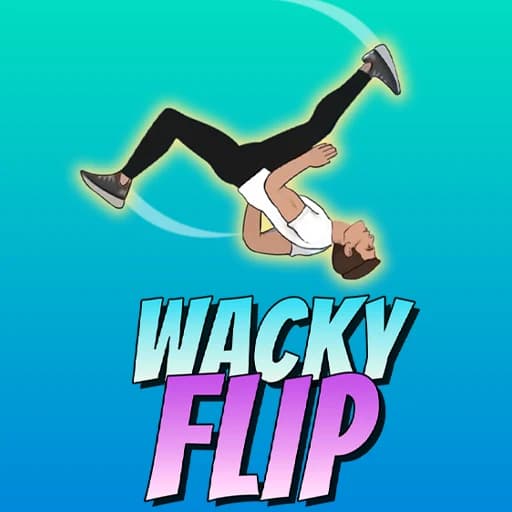
Try Wacky Flip, Mr Flip and trampoline challenges. Learn the controls, then practice a clean landing.
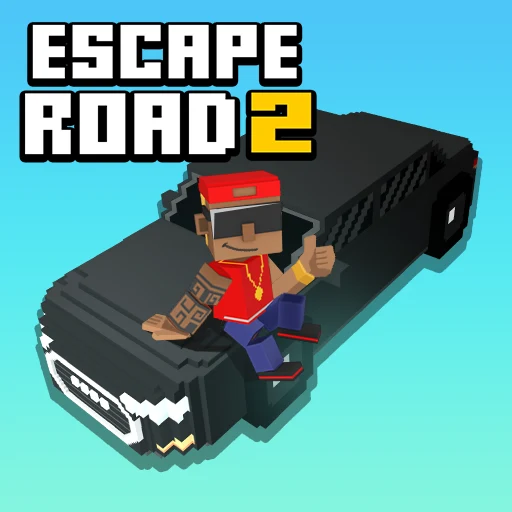
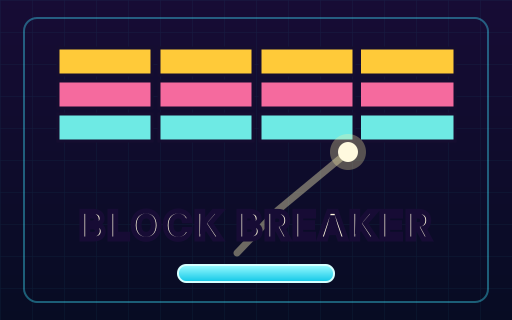
Dodge a pursuit in Escape Road 2, or keep the ball moving in Block Breaker. Browse the related games when you are ready for another round.
Daily
Browser
Strategy
Browser
Flip & Stunt
Browser
Flip & Stunt
Browser

Arcade
Browser
Survival
Browser
Action
Browser
Flip & Stunt
Browser

Racing & Driving
Browser
Puzzle
Browser
Flip & Stunt
Browser
Action
Browser
Racing & Driving
Browser
Flip & Stunt
Browser
Strategy
Browser
Racing & Driving
Browser
Arcade
Browser

Racing & Driving
Browser
Racing & Driving
Browser
Adventure
Browser
Tell us about a browser game you would like to find here.
GameQuark is a browser arcade for quick breaks and longer play sessions. Discover HTML5 games, check how to play, and start without a separate download. Pick a category or explore the latest additions to find your next game.
Browse action, puzzle, sports and arcade games, or search for a favorite. Check the device label and controls before choosing a game for your phone or computer.
Open the game page for instructions and gameplay tips, then press Play game. The game loads in your browser from its provider, with no separate game installation.
Use the heart button to save a game. Your games brings together favorites and recently played games on this browser, so you can find them again for your next break.
GameQuark does not charge you to browse or launch games. The games are hosted by external providers, so advertising, optional purchases and other in-game features depend on each provider.
You can browse and launch games without installing a game app or creating a GameQuark account. Games load over the internet; any sign-in options inside a game belong to its provider.
Use the Mobile supported filter to find games marked for mobile in our catalog. Check the controls on each game page: some titles need a keyboard or mouse and are better suited to a desktop.
Favorites and recently played games stay in this browser and do not sync across devices. Clearing site data may remove them. In-game progress is separate: saving depends on the game provider and is not guaranteed by GameQuark.
Check your connection, close unused tabs and use Retry loading or Restart in the player. If the problem continues, try another browser or use Report issue on the game page. Loading times depend on your device, connection and the external provider.
Visit New games for recent additions, browse by category, or use the search and device filters in All games. Each game page also links to more games from the collection. You can request a game if a favorite is missing.